Minecraft Seed Map — See Every Structure on Any Seed
Paste any seed into the viewer, then pan and zoom to locate every structure — spawn biome, villages, mansions, ocean monuments and pillager outposts — with exact coordinates. Runs in your browser: no download, no login, no mods. Java & Bedrock 1.21.
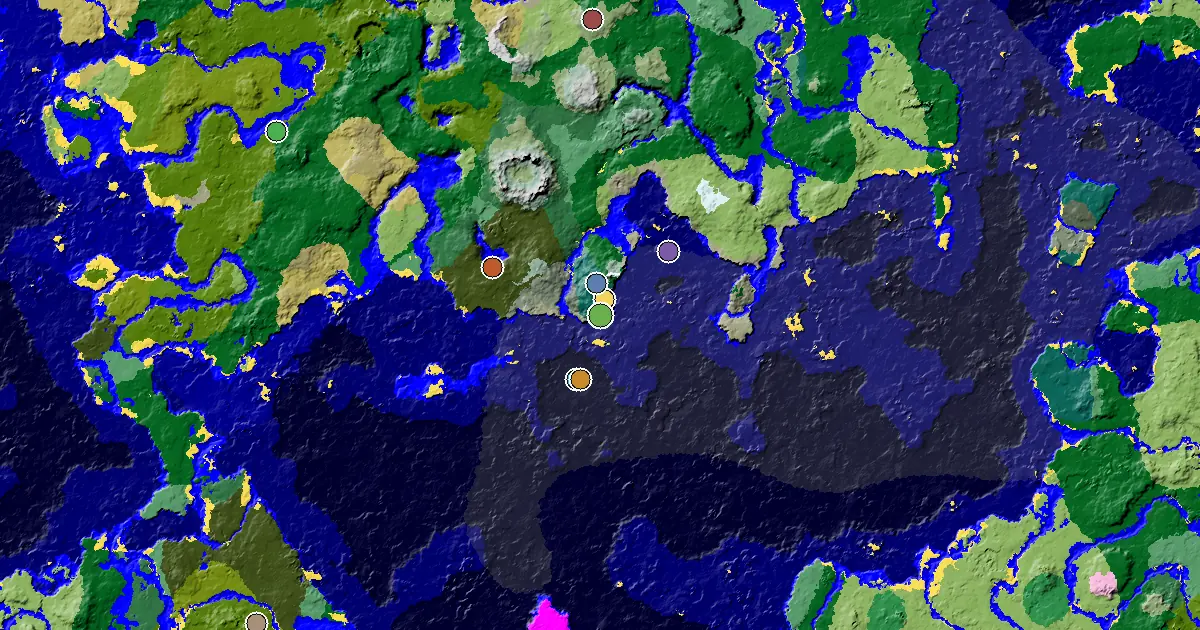 ▶ Open the full seed map
Interactive Minecraft seed map
Pan and zoom biomes and structures for any seed in a full-screen map — best on phones and tablets.
Top Minecraft Seeds
View all →
Taiga Spawn — a Village at Spawn
151658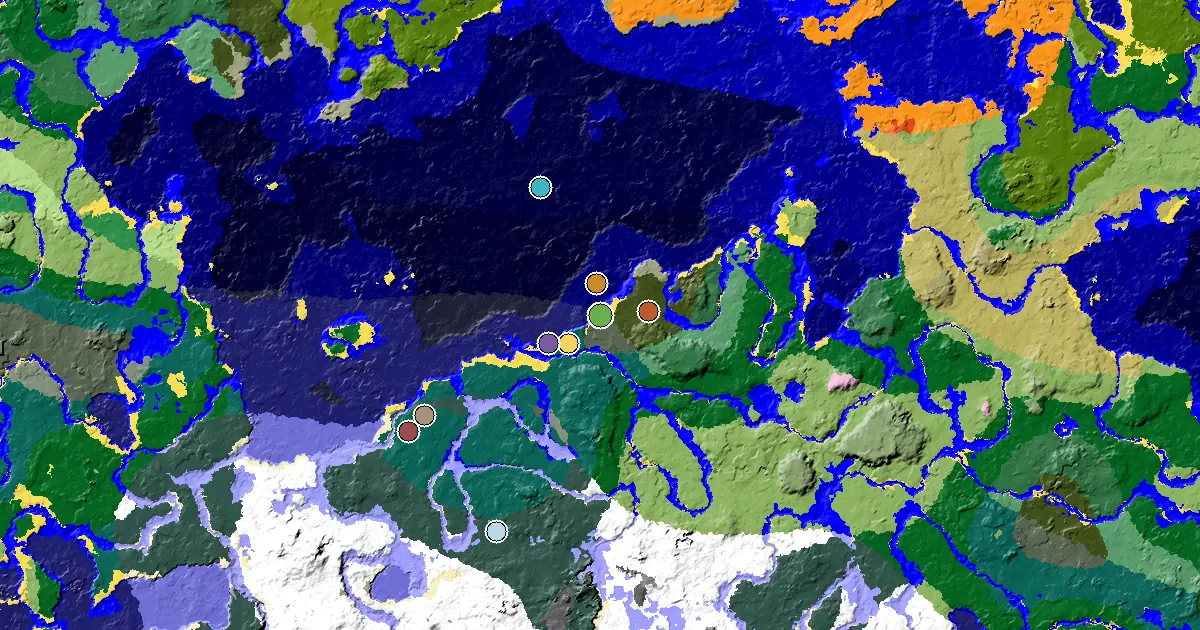
Minecraft Beach Seed: a Woodland Mansion Nearby
182423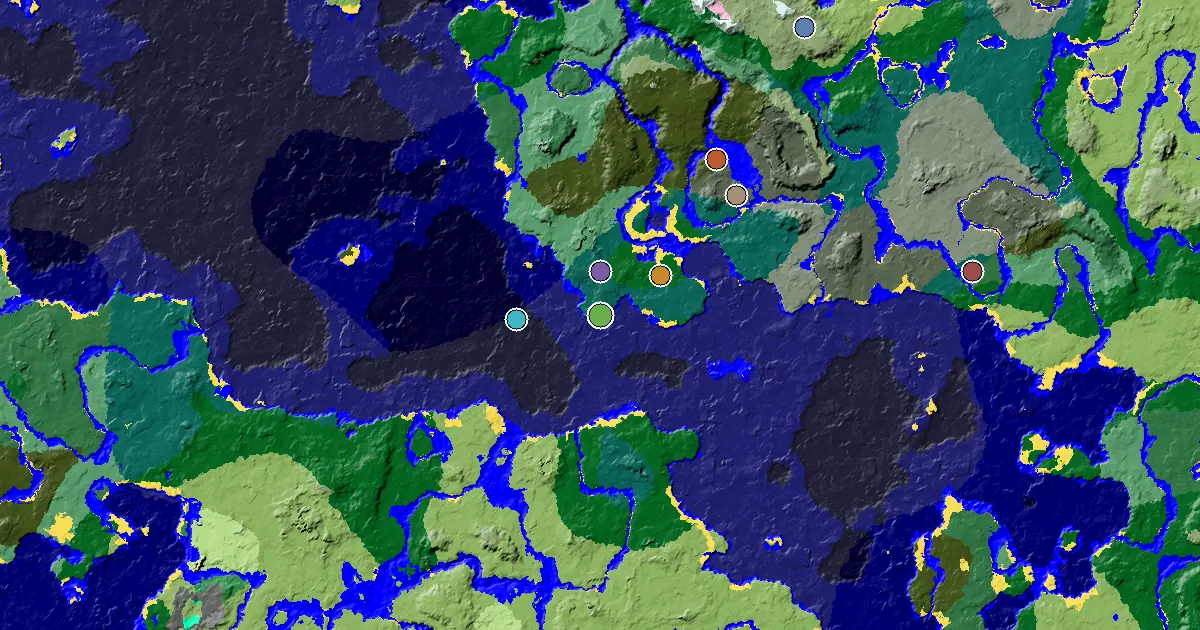
Taiga Spawn — a Village at Spawn
107230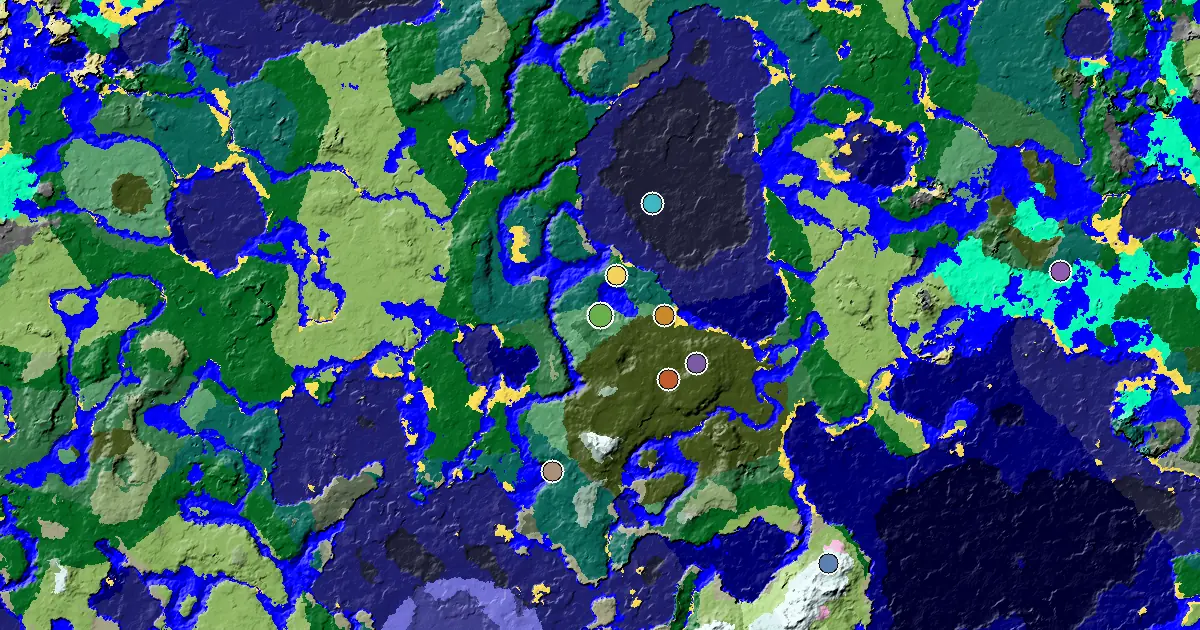
Old Growth Birch Forest Seed With a Woodland Mansion Nearby
171512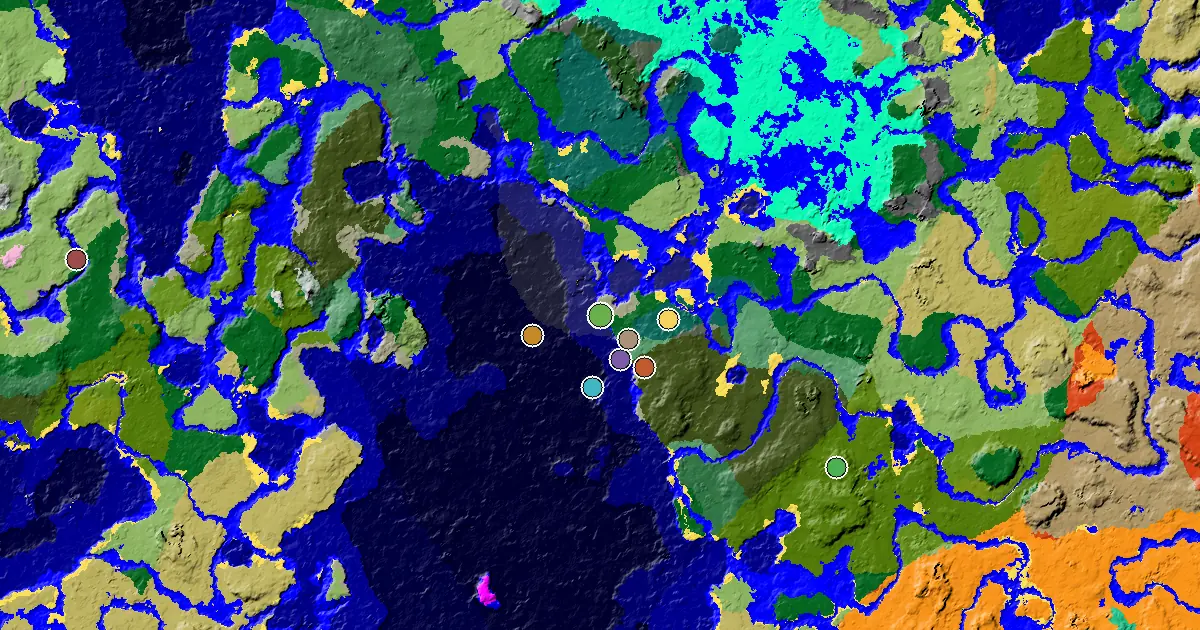
a Woodland Mansion Nearby Near a Forest Spawn
148817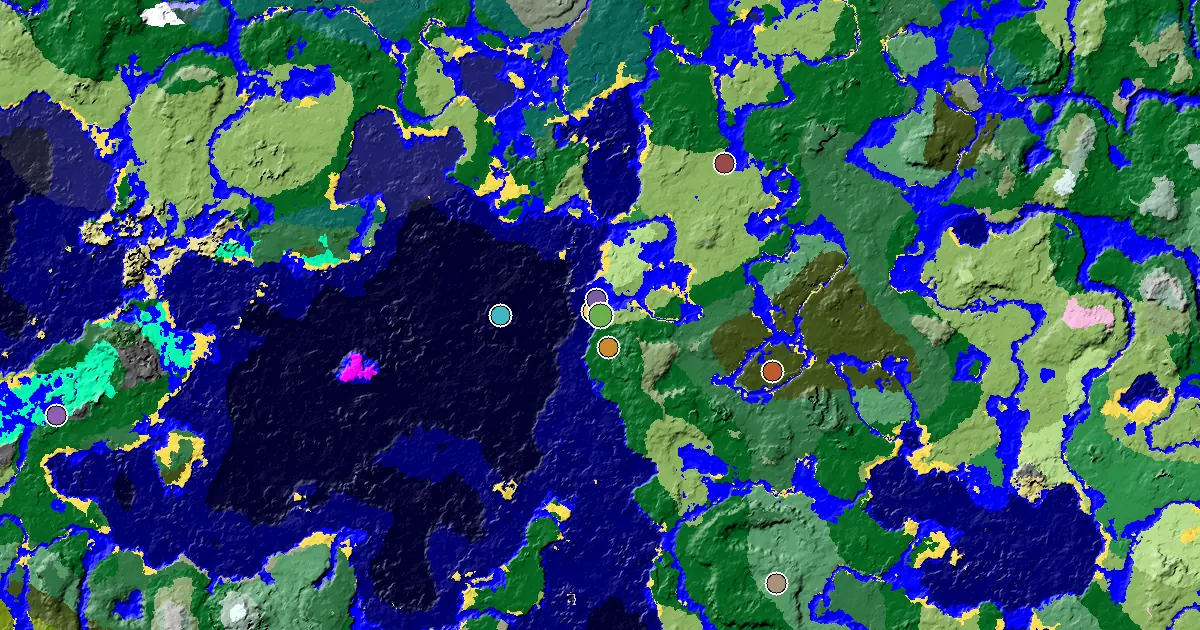
Plains Seed With a Village at Spawn
155568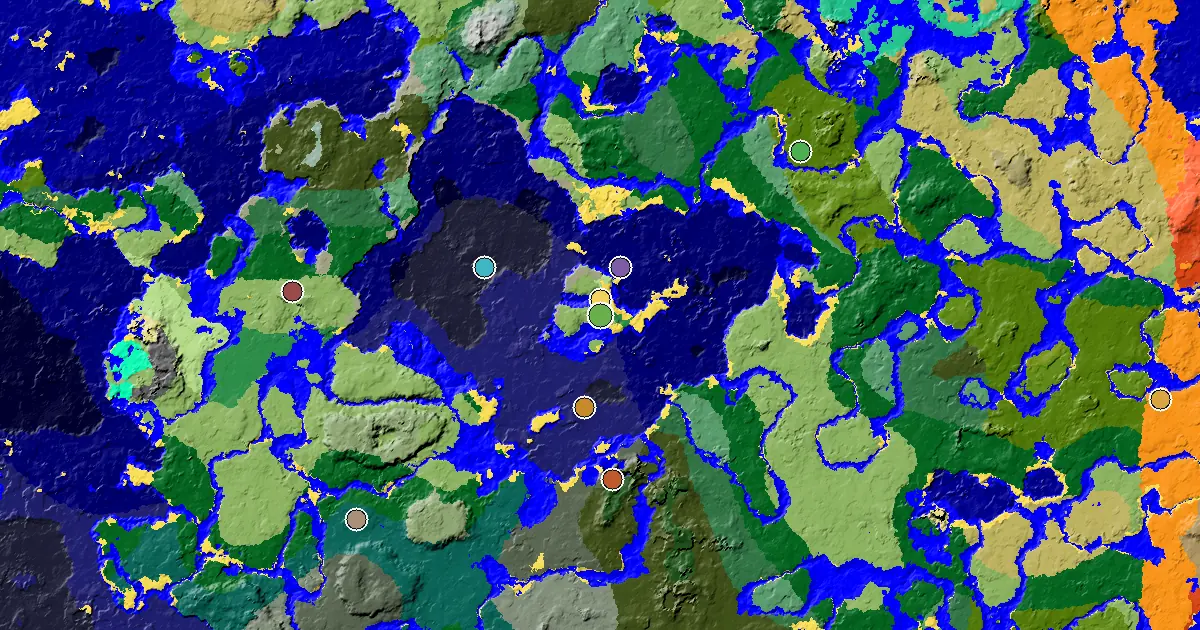
Minecraft Plains Seed: a Village at Spawn
152855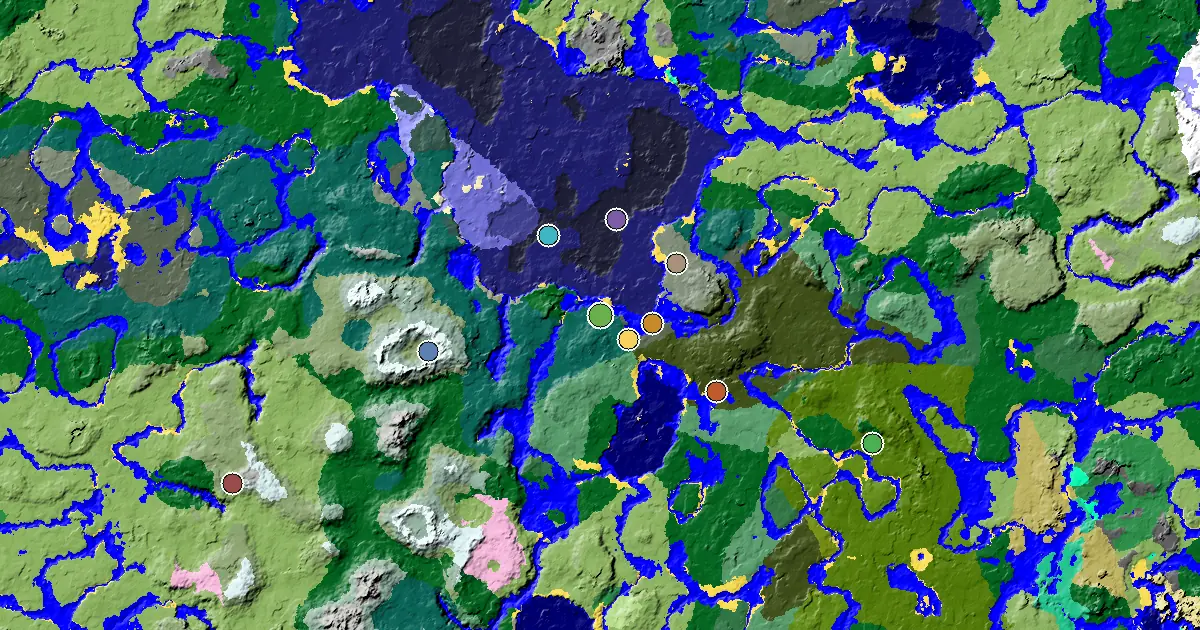
Minecraft Taiga Seed: a Village Beside Spawn
168243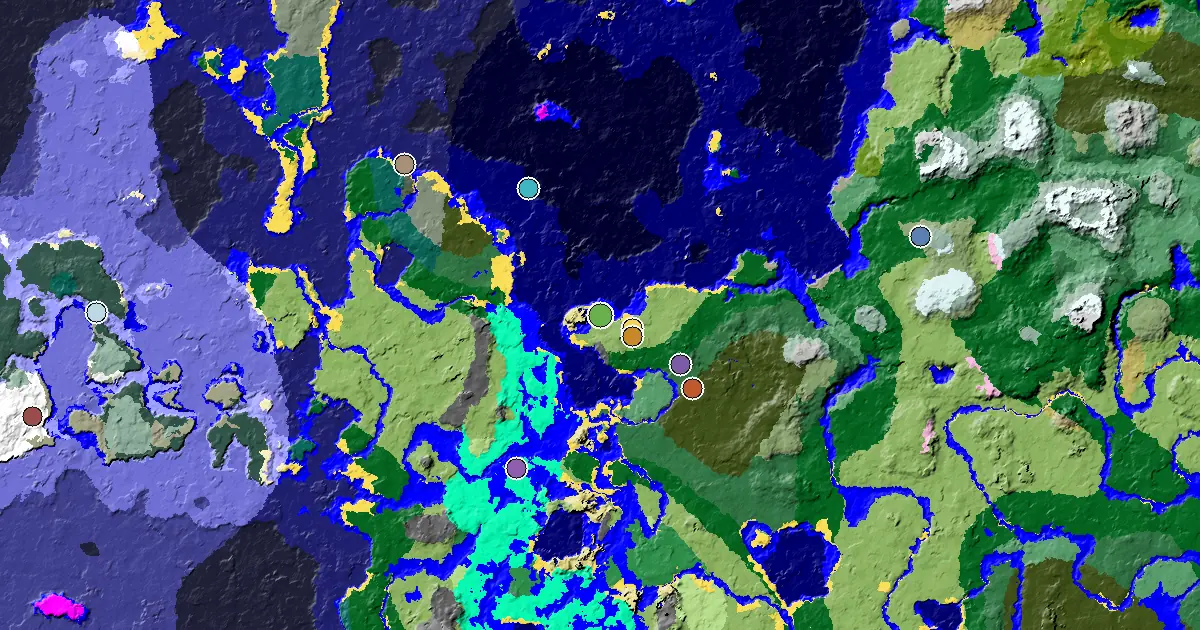
Plains Seed With a Woodland Mansion Nearby
124400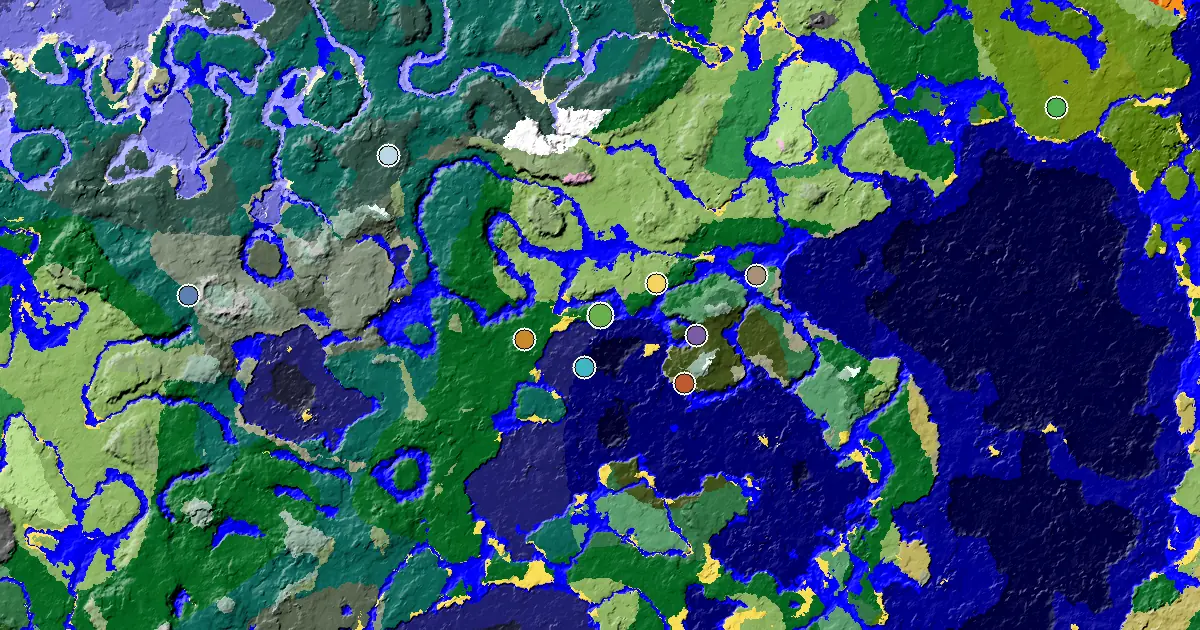
Forest Spawn — a Woodland Mansion Nearby
136062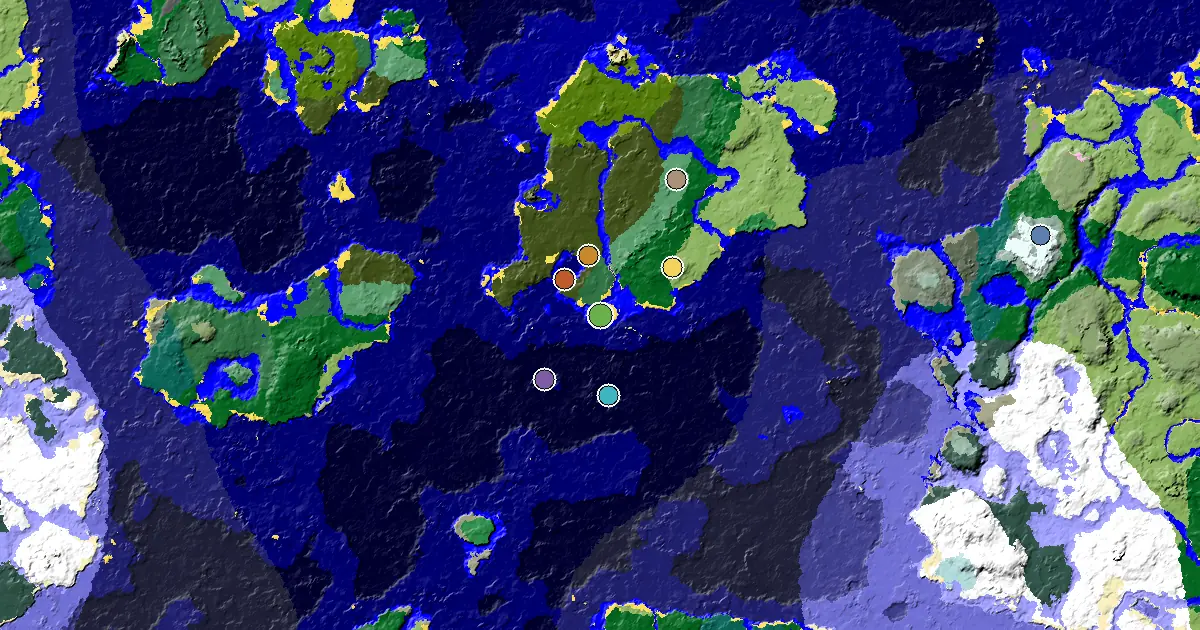
Beach Seed With a Woodland Mansion Nearby
101332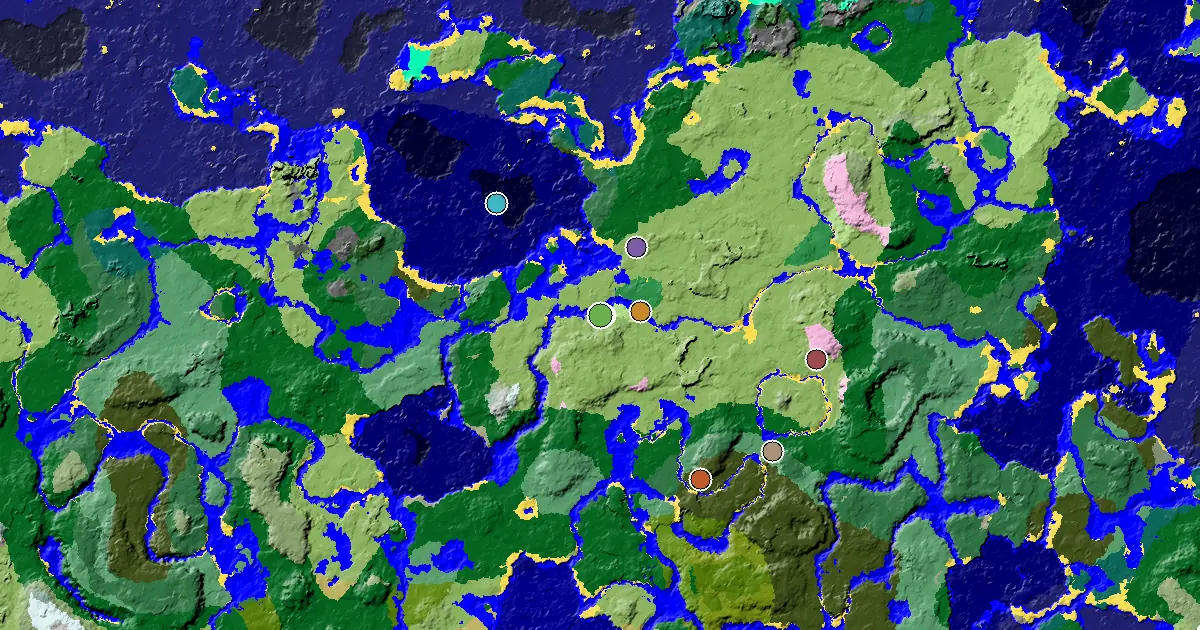
Plains Seed With a Village at Spawn
135044Browse by Category
What is a Minecraft seed map?
Every Minecraft world is generated from a seed — a number that determines the exact layout of biomes, villages, temples, ocean monuments and every other structure. A Minecraft seed map viewer reads that seed and draws the world for you, so you can see the layout before you ever load it and pick a spawn you actually want to play.
On this site, every seed page lists the precise coordinates of the nearest village, woodland mansion, desert pyramid, ocean monument, pillager outpost, ancient city and more — computed offline from a re-implementation of Minecraft’s own world generation, not estimated. Copy the seed, jump in, and head straight for the good stuff.
How to use the seed map viewer
- Enter a seedPaste the world seed — any number, positive or negative — into the box above, or pick one from the seed directory further down this page.
- Pick your edition and versionJava and Bedrock place structures differently, and placement changed between versions. Choose Java 1.21, Bedrock 1.21, Large Biomes or an older version so the map matches your game.
- Pan, zoom, read the coordinatesDrag to move and scroll to zoom. Pins mark villages, mansions, ancient cities, trial chambers, ocean monuments and more; the readout shows the X / Z coordinates under your cursor.
Seed Directory
A quick index into the collection — every entry opens a full structure coordinate table.
Minecraft Seed Map — FAQ
What is a Minecraft seed map?
A seed map shows the layout of a Minecraft world — its biomes and structures — generated from the world seed, so you can preview a world before you create it and pick a spawn you actually want to play.
How do I use the seed map viewer?
Type or paste a seed number into the box, choose your edition and version, then drag to pan and scroll to zoom. Coloured pins mark villages, woodland mansions, ocean monuments and pillager outposts. For seeds in our index you also get an exact coordinate table.
Is the Minecraft seed map viewer free?
Yes. It is free with no account and no usage limit. The map is generated in your browser, so no world file is uploaded and nothing is stored.
Which Minecraft versions does the seed map viewer support?
Java Edition 1.8 through 1.21 and Bedrock Edition 1.16 through 1.21, plus Large Biomes worlds. Pick the version before reading coordinates — structure placement differs between versions and between the two editions.
Does this work for Bedrock and Java Edition?
Yes. Every curated seed page states whether the coordinates are for Java or Bedrock Edition and which Minecraft version they were computed for (currently 1.21).
How are the structure coordinates calculated?
Coordinates on each seed page are computed offline from a re-implementation of Minecraft world generation, so they match what you get in-game.
Do I need to download or install anything?
No. The seed map viewer runs entirely in your browser and every seed page works without any download, login or Minecraft mod.